
Homepage
To set a page as the homepage, go to Admin -> Theme Options -> Page and select the page you want to set as the homepage.
Available UI Blocks
Housa provides a variety of UI Blocks that you can use to build and customize your homepage. These UI Blocks allow you to easily add different elements and sections to create a tailored homepage for your real estate website.
Hero Banner
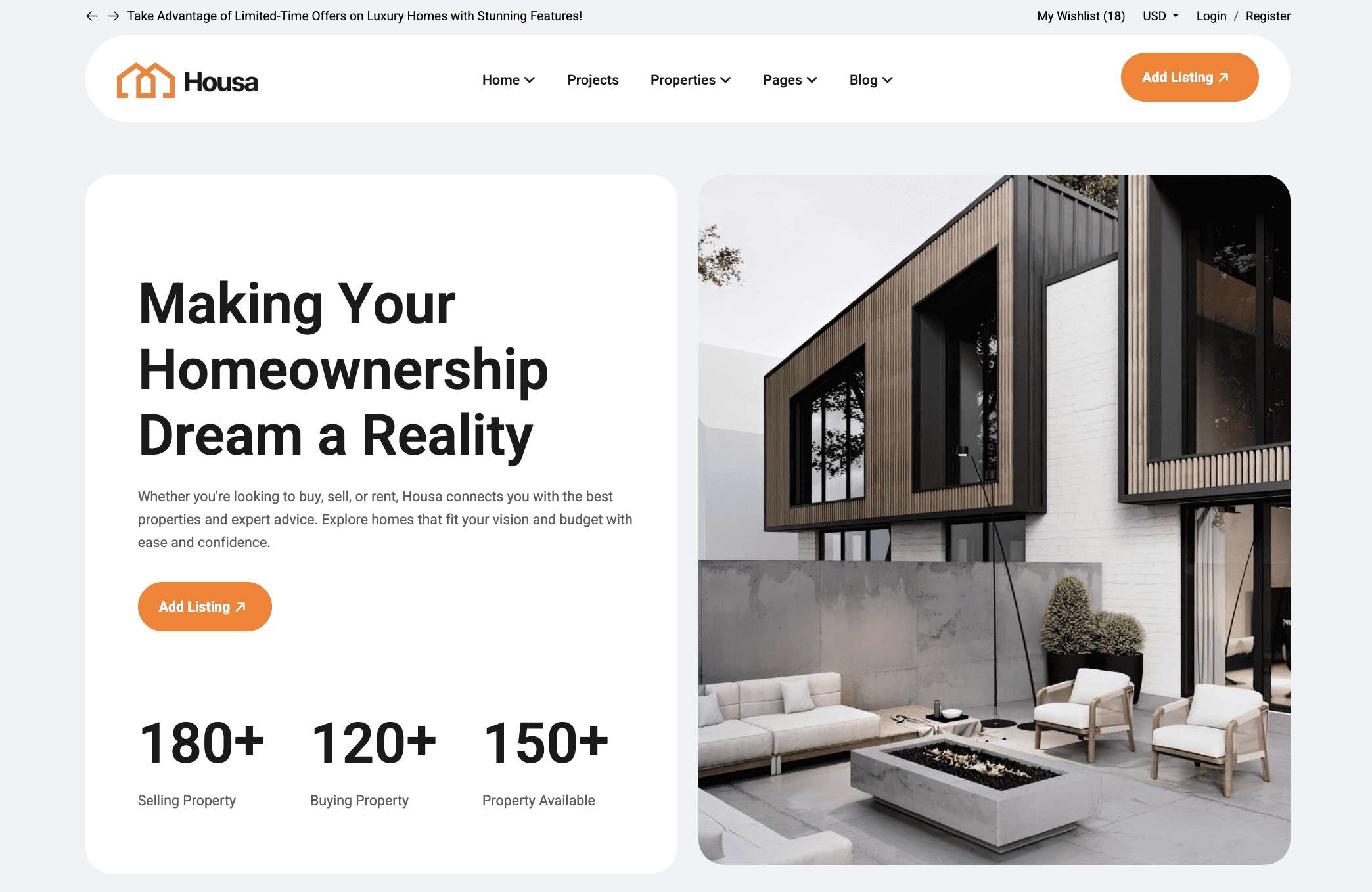
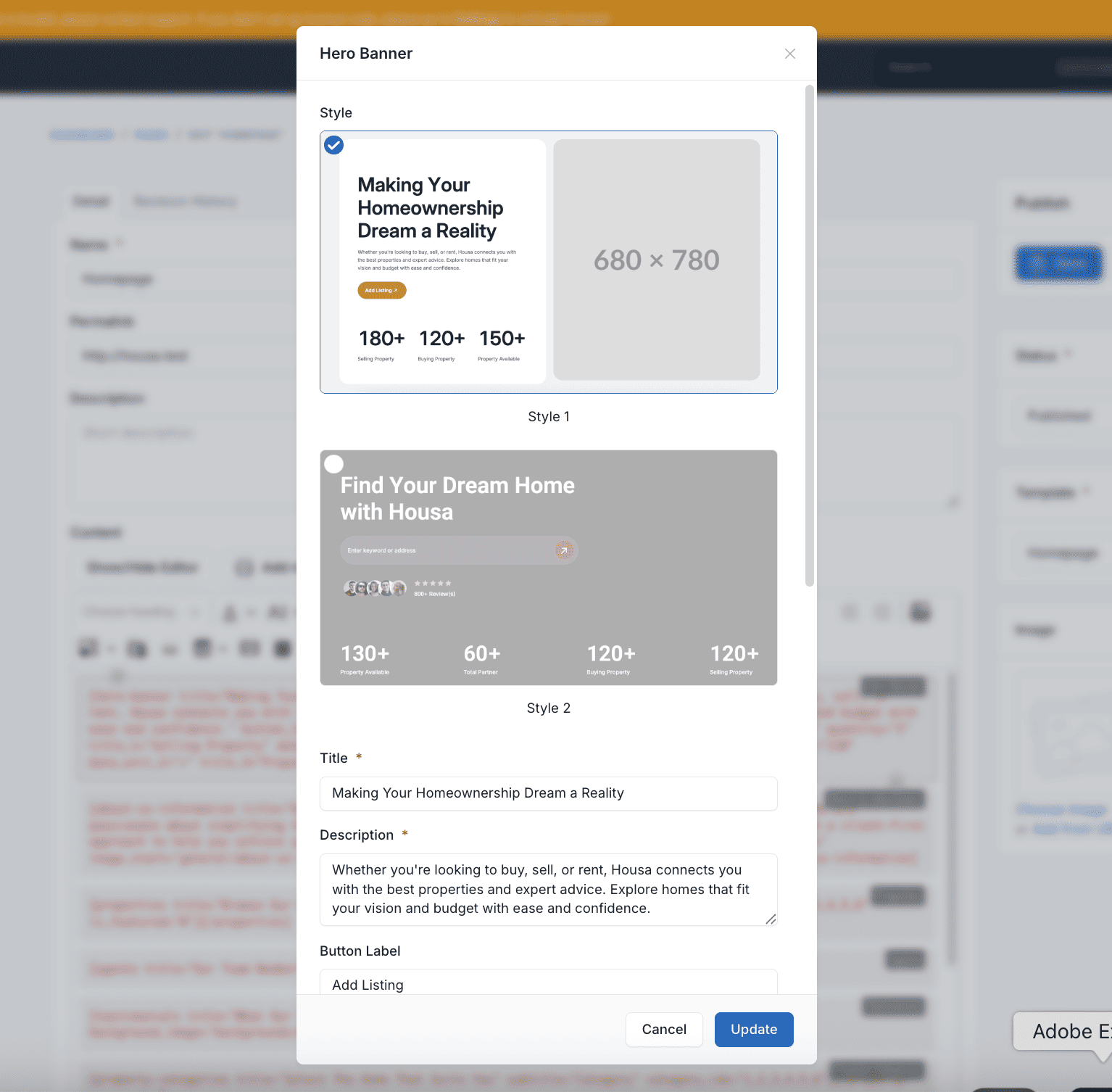
Use the hero banner UI block for a compelling homepage header with title, description, statistics data, background image, and action button. It's comes with 2 different styles to choose from.
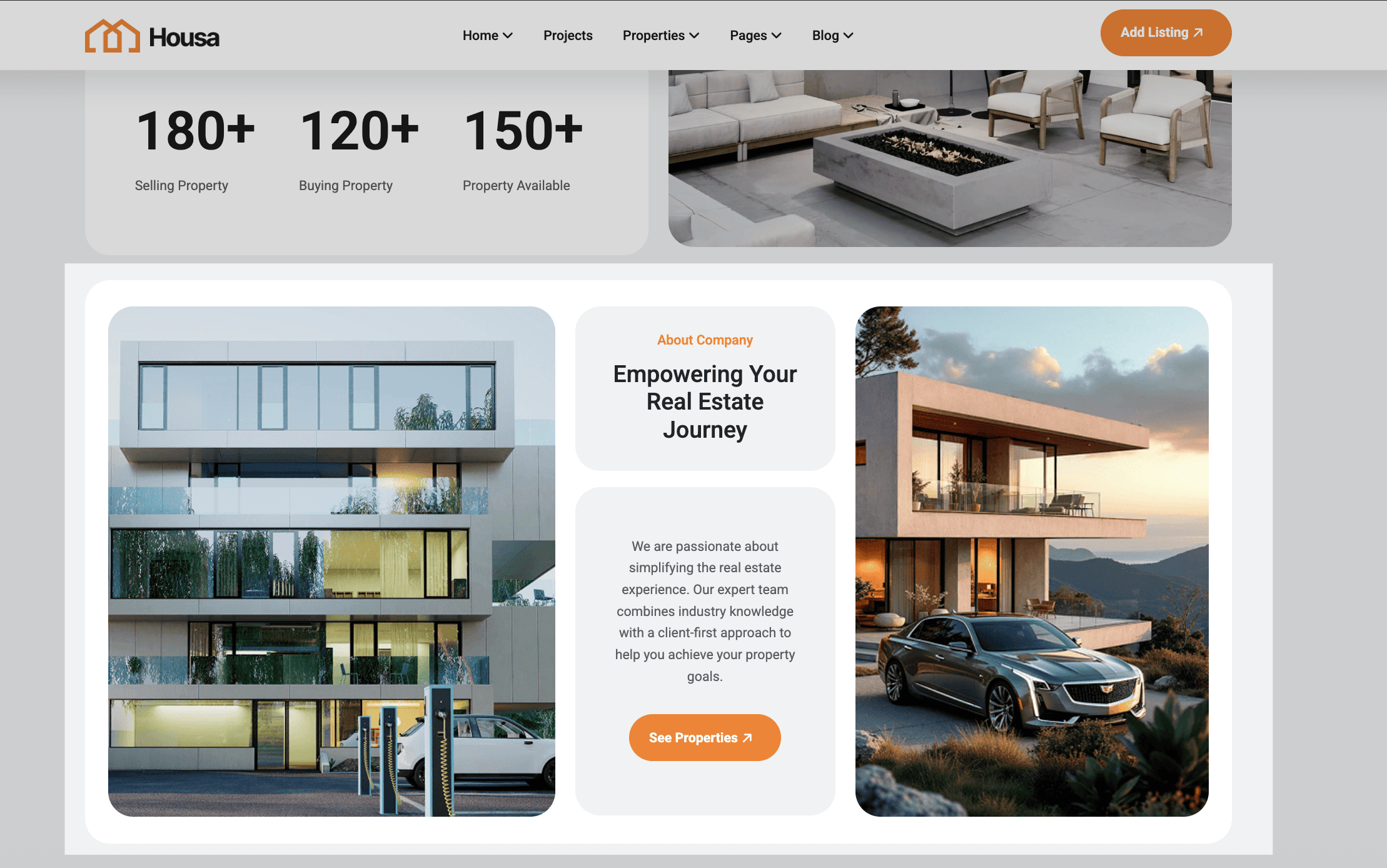
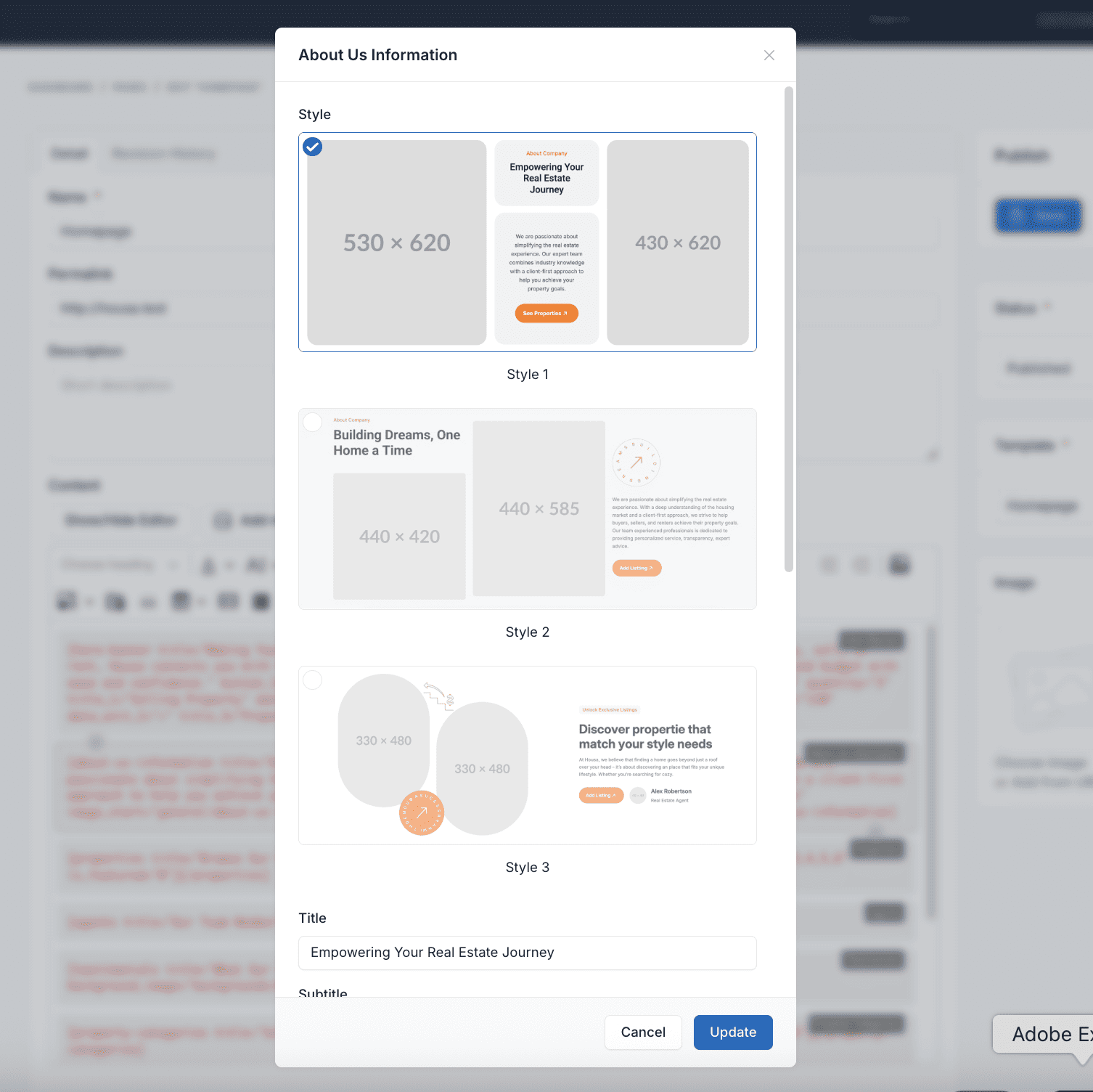
About Us Information
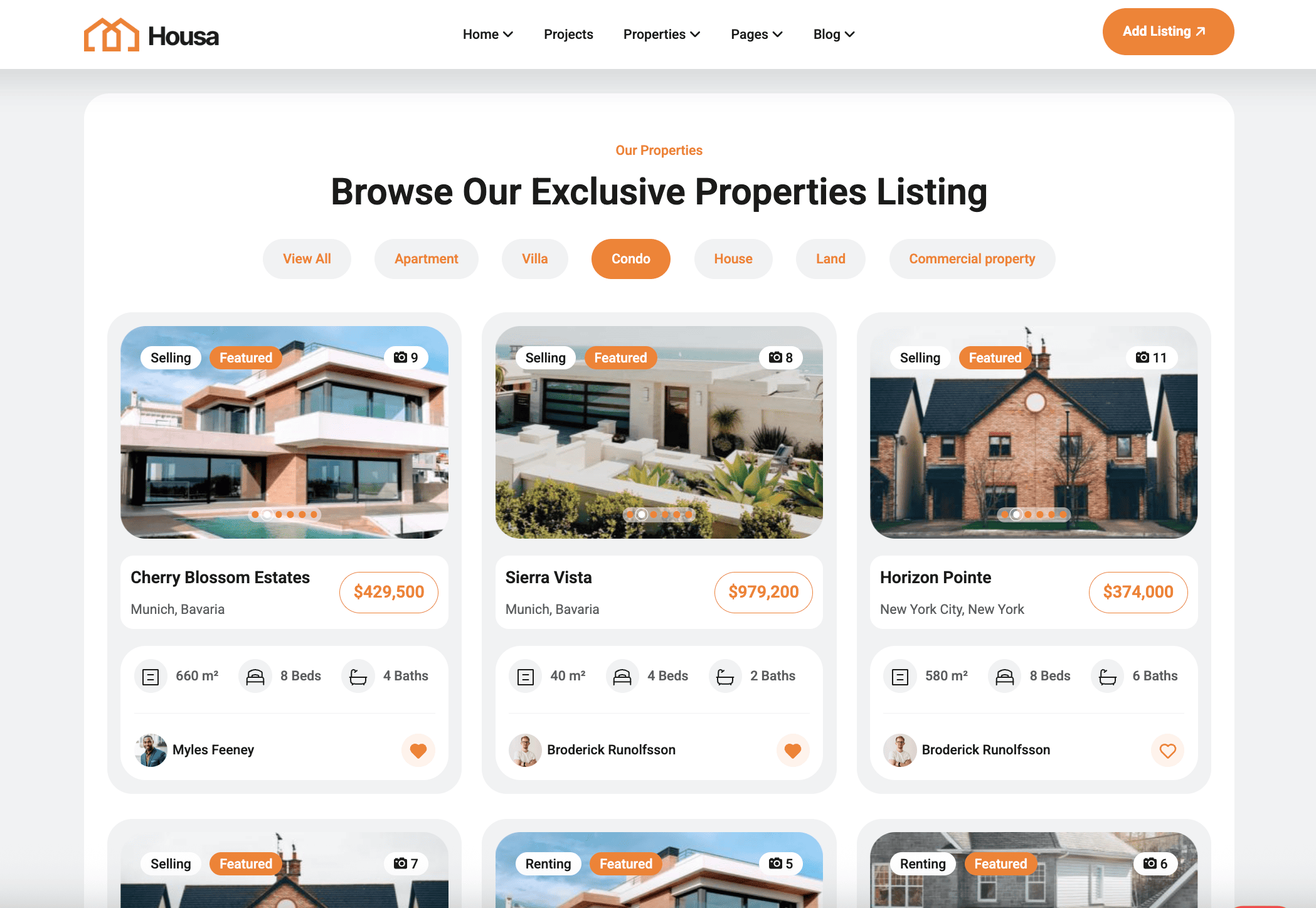
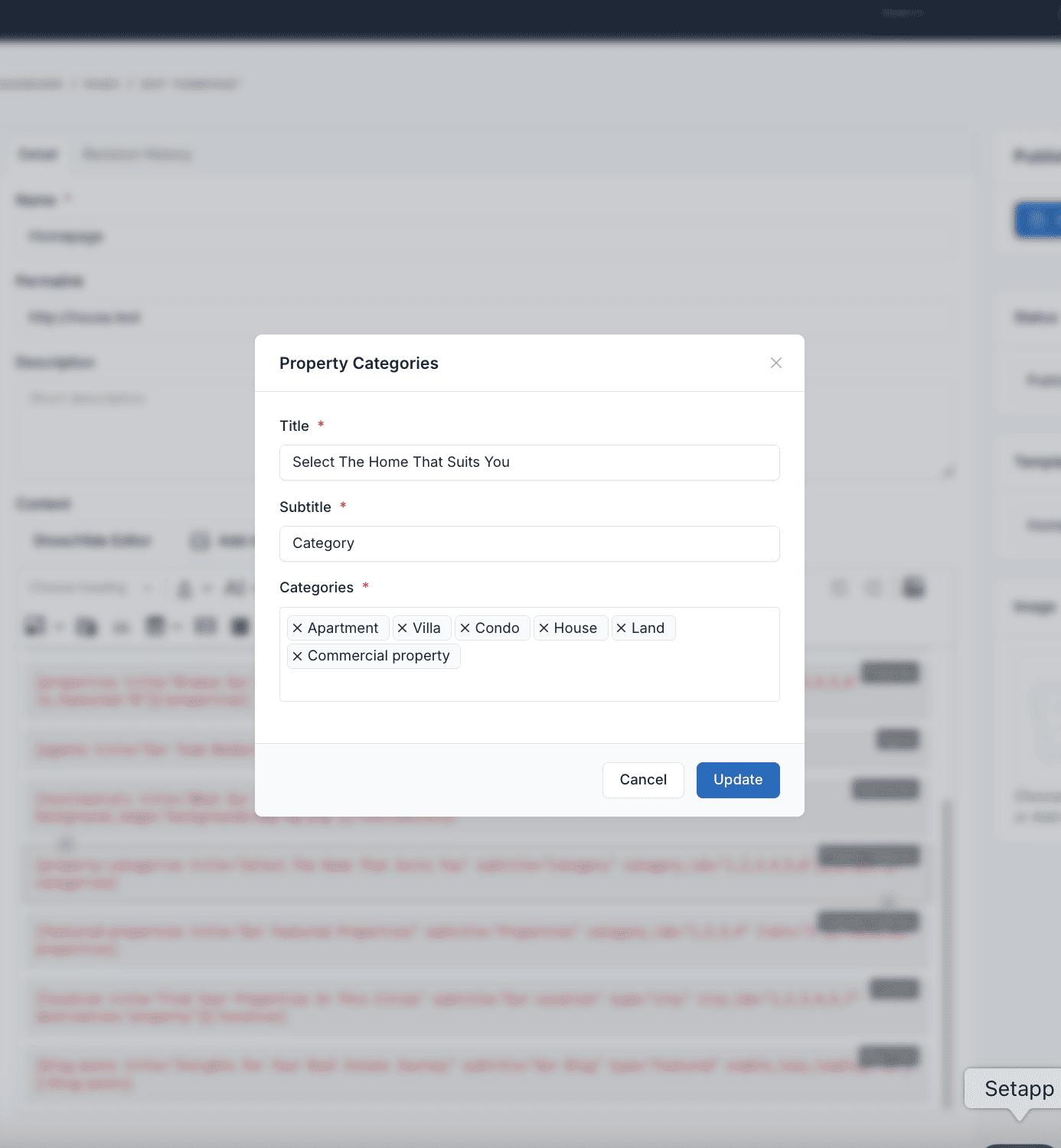
Property Categories
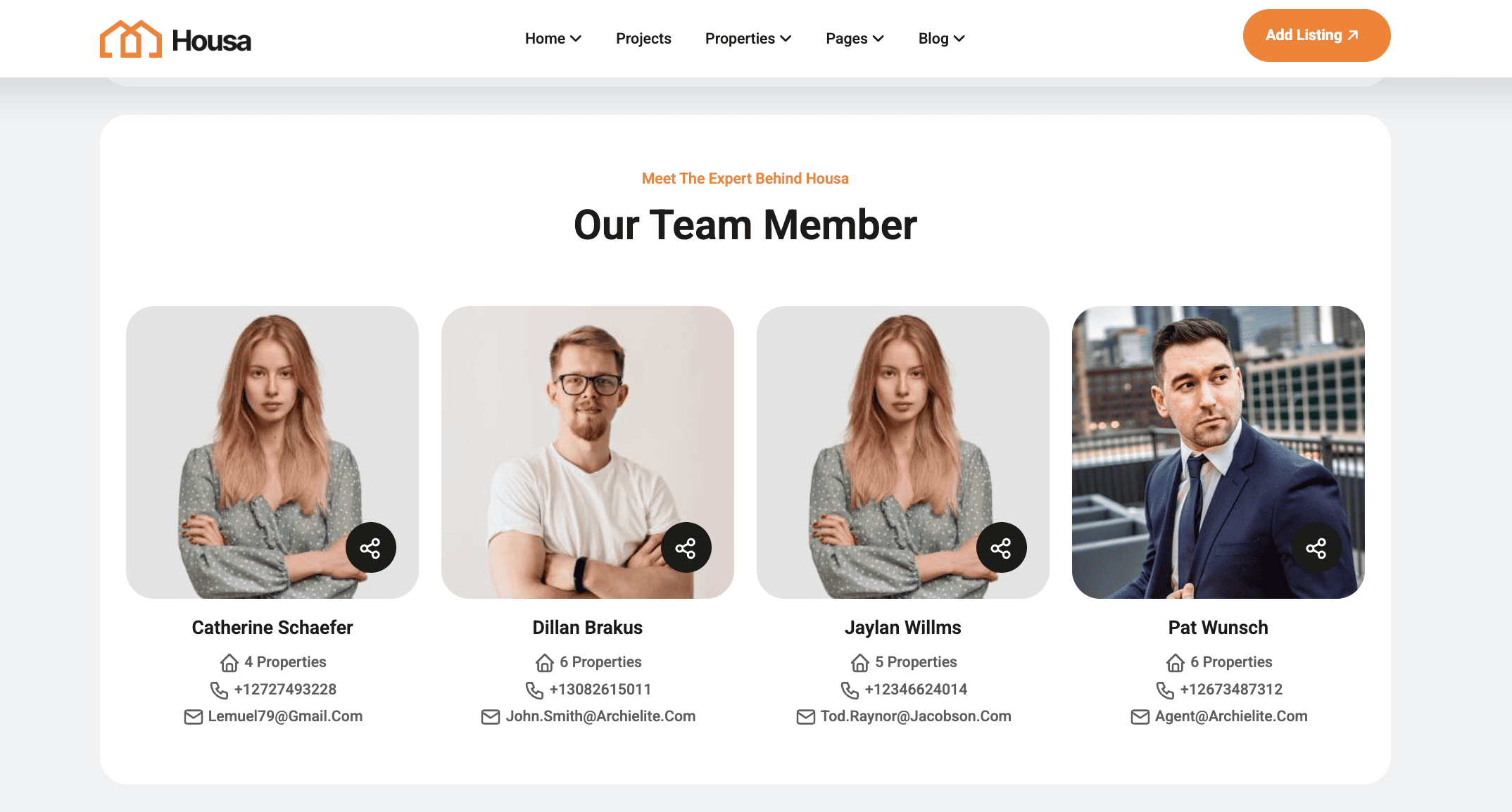
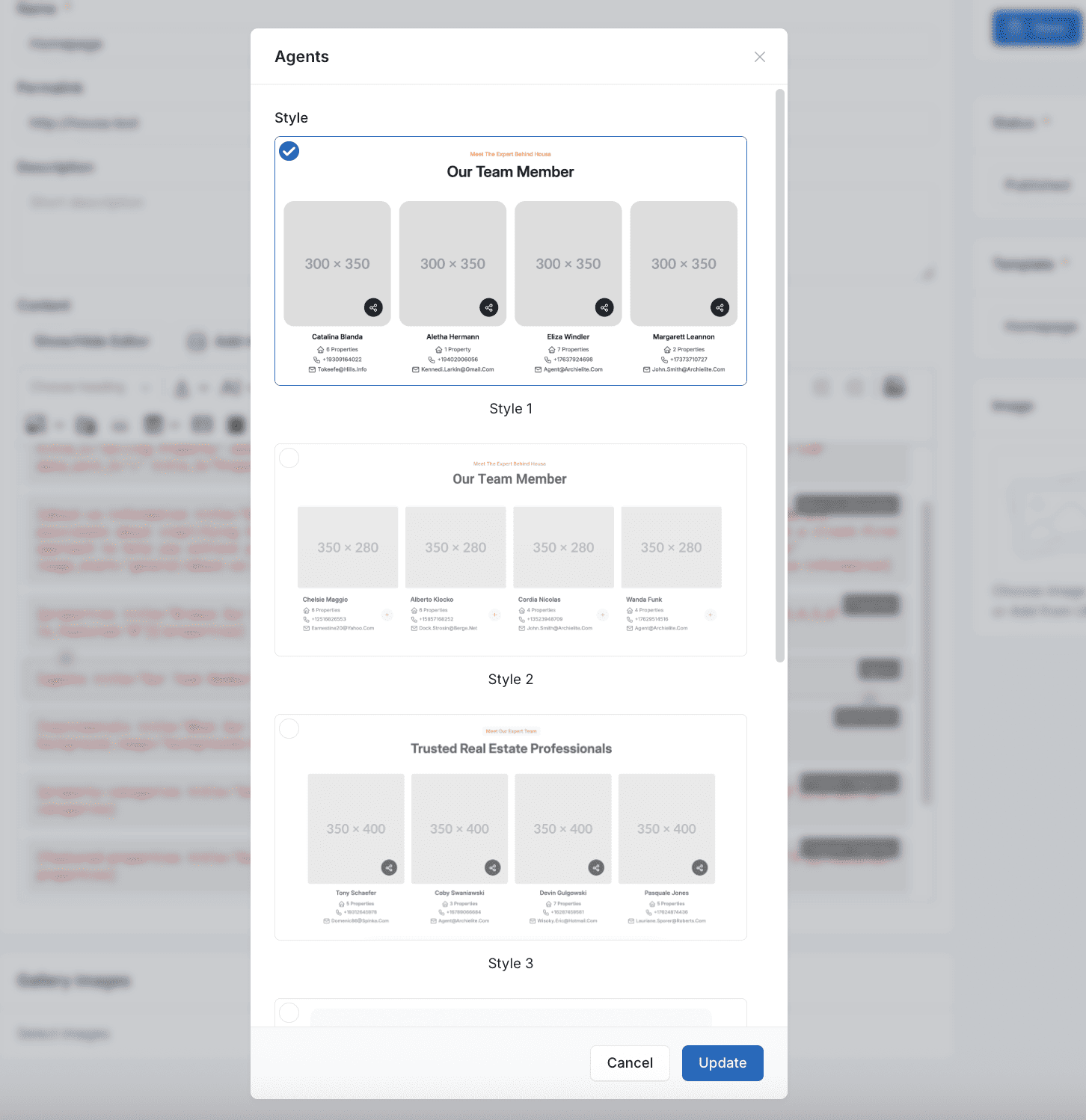
Agents
Testimonials
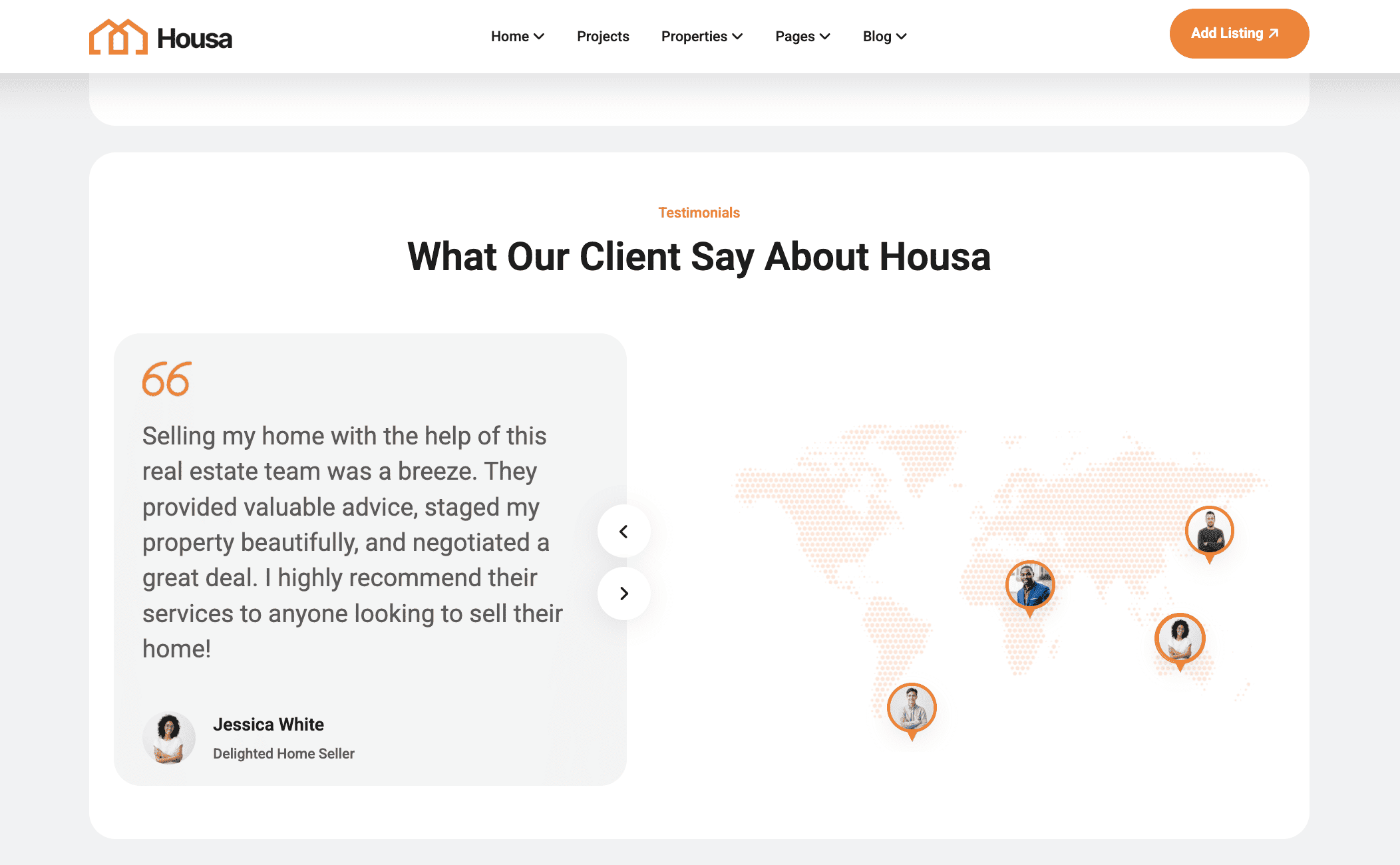
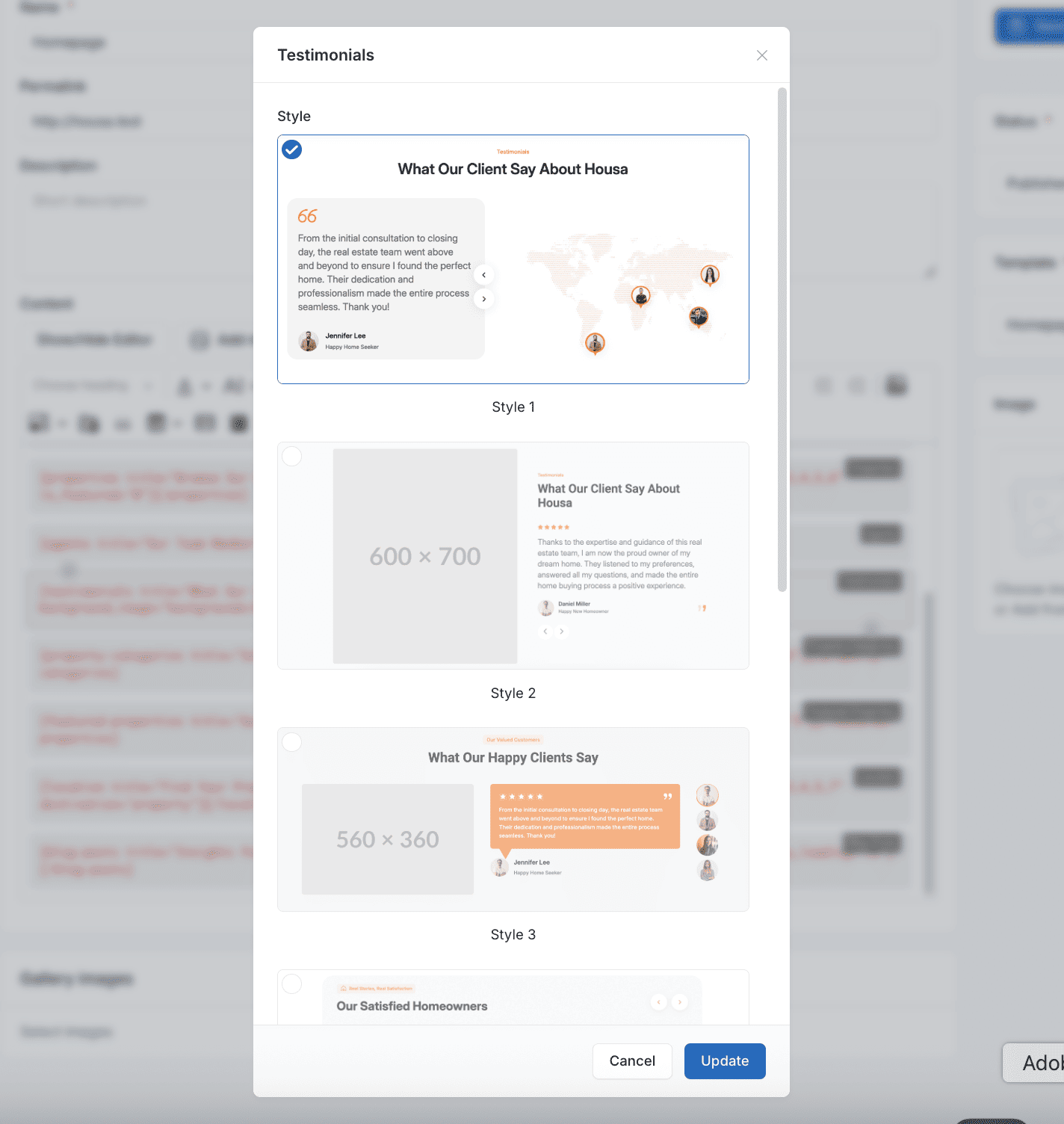
Showcase client testimonials and reviews with the testimonials UI block. This section helps build trust and credibility by sharing positive feedback from satisfied customers.
Blog Posts
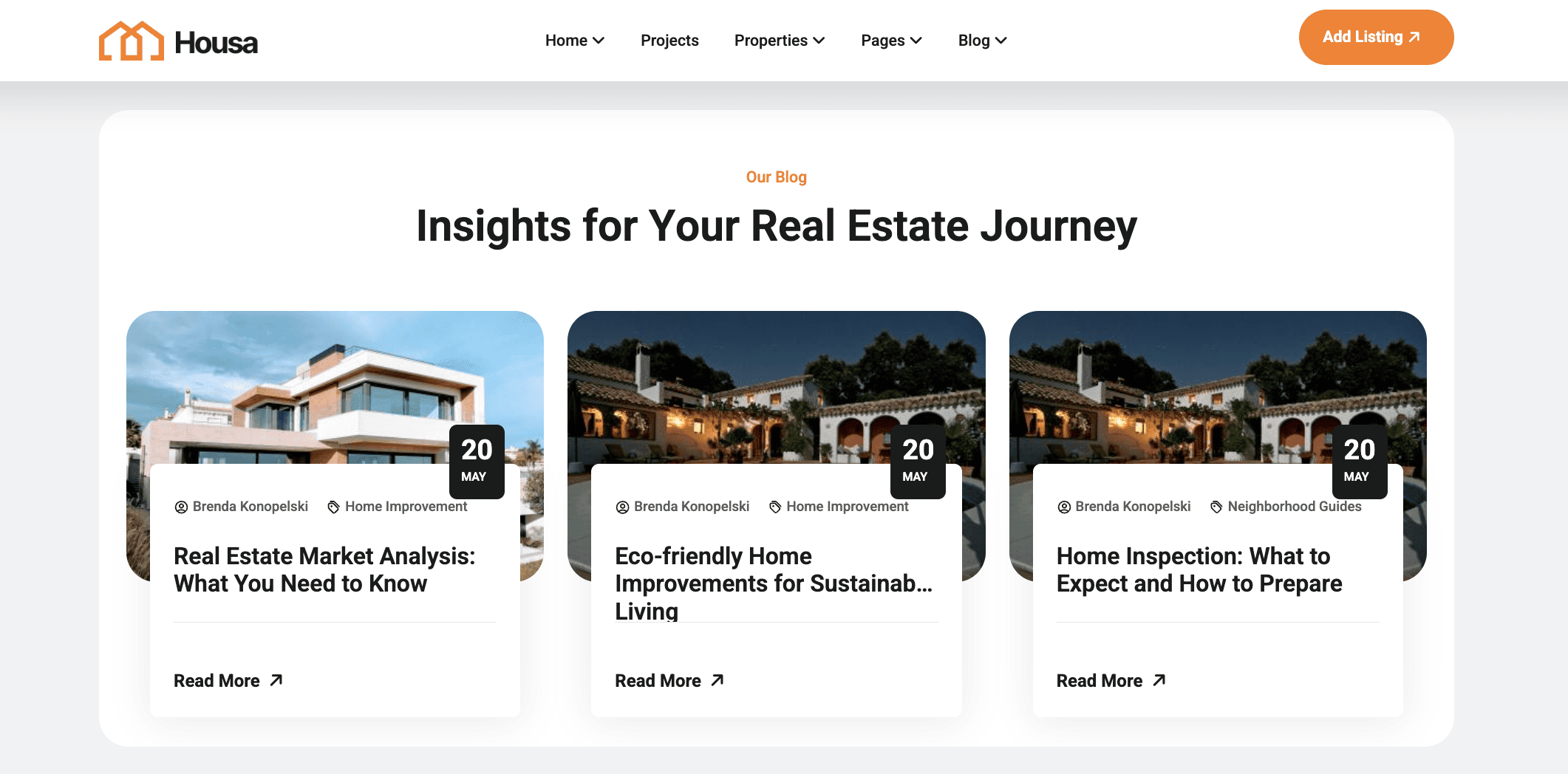
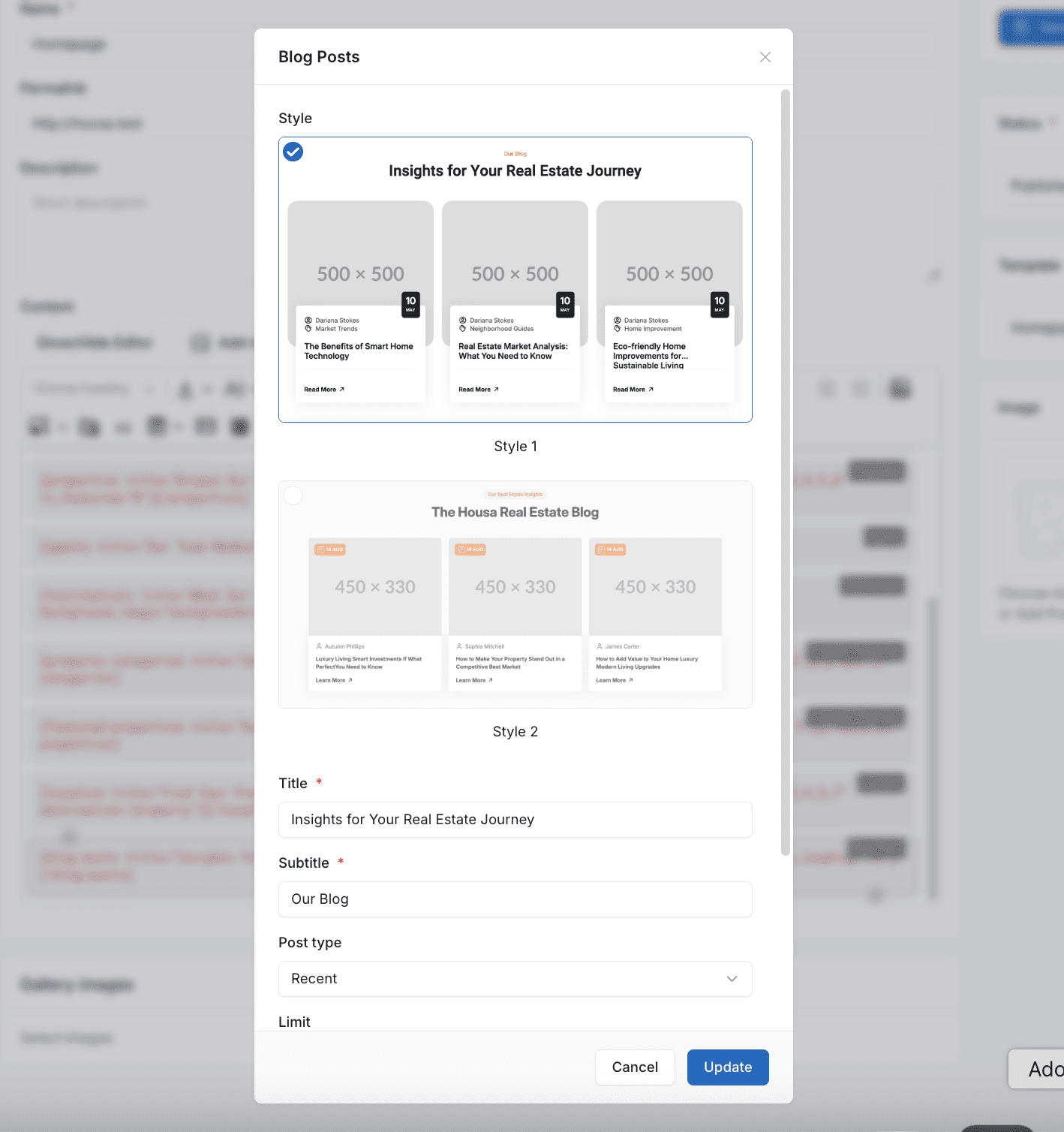
Feature recent blog posts or news articles using the blog posts UI block. This section can display article previews with titles, excerpts, publication dates, and read more links.
And many more! Explore the available UI Blocks in the Housa theme to create a unique and engaging homepage for your real estate website.